
Ever thought about learning crypto without spending a cent? A crypto trading simulator lets you test out strategies using pretend money. It lets you try different tactics like stop-loss orders in a safe space, so you can build confidence without the worry of real losses. Whether you're just getting started or looking to fine-tune your method, this tool is a smart and secure way to practice before you jump into live trading.
How a Crypto Trading Simulator Fulfills Risk-Free Practice
A crypto trading simulator is a tool that lets you try out trading without putting your real money on the line. It works by using what’s called paper trading. Basically, every trade you make is recorded just like it would be in the real market, but no actual cash is at stake. Imagine testing out a stop-loss strategy with virtual funds. This way, you can see how it works without ever losing a cent.
Using a simulator means you can watch market changes and experiment with different order types without the worry of financial loss. It takes the pressure off that mix of fear and excitement you feel when real money is involved. This means you can really focus on the numbers and patterns behind each trade rather than getting overwhelmed by emotions. Whether you’re just starting out or looking to sharpen your skills, a crypto trading simulator is a great way to learn and build confidence.
The learning benefits are huge. Beginners and seasoned traders alike get to refine their trading decisions while exploring a safe, realistic market space. Every trade becomes a chance to spot what works and what might need adjusting. It’s a fun, risk-free way to understand how digital currencies behave, almost like practicing before the big game.
Top Free Crypto Trading Simulator Platforms Compared
Free crypto trading simulators let you try out real trading strategies without any risk. You don't need to worry about losing money because these platforms mimic the live market using fake cash. It's a great way to build up your skills before jumping into actual trading.
For example, CryptoSpaniards supports Bitcoin and more than 31 altcoins. You can test different types of orders like Limit Buy, Stop Loss, and Take Profit. And then there's eToro, which gives you a virtual account loaded with $100,000, making your practice session feel a lot like real trading.
Both Binance and BitMEX offer mock accounts that come with all the same tools, order types, and charts as their live versions. This means you'll get comfortable with the trading environment without any of the risk. KuCoin also shines by giving you a realistic market setup with live indicators and adjustable leverage. This way, you can see firsthand how market shifts might impact your positions.
On top of that, Bitfinex Testnet creates a sandbox where you can try margin, derivatives, and OTC trades. Kraken isn't left out either; it offers futures demo accounts that use real market data so you can safely experiment with futures strategies. In short, by checking out these platforms, you can pick the free crypto trading simulator that works best for you, whether you're just starting or ready to hone advanced techniques.
| Platform | Virtual Funds | Key Features |
|---|---|---|
| CryptoSpaniards | N/A | Supports Bitcoin & 31+ altcoins; lets you experiment with orders like Limit Buy, Stop Loss, and Take Profit |
| eToro | $100,000 | Offers a realistic practice platform with a generous virtual balance and copy trading options |
| Binance & BitMEX | Mock Accounts | Replicate live trading tools, order types, and charting features |
| KuCoin | N/A | Provides a realistic market simulation with live indicators and adjustable leverage |
| Bitfinex Testnet | N/A | Creates a sandbox for testing margin, derivatives, and OTC trading strategies |
| Kraken | N/A | Features futures demo accounts using real-time market data for testing strategies |
Key Features of Top Crypto Trading Simulator Apps
Crypto trading simulators let you practice real trading strategies using pretend money, so there’s no risk to your actual cash. These apps are built to mimic real market moves, letting you experiment and learn without the stress of real losses. It’s all about focusing on the numbers and planning your moves without letting your feelings get in the way.
Order Types
These simulators support different types of orders like Limit, Market, and Stop orders, just like you’d find in a live trading world. You can set up an order to buy at a specific price or create a stop-loss order to help guard against big losses if the market suddenly shifts. It’s a great way to test out precise setups and see what strategy might work best for you.
Real-Time Data Emulation
The apps give you live price feeds along with handy chart tools that show you the market as it happens. With indicators and chart overlays, you can dig into technical analysis and get a real feel for market trends. Every simulated trade feels close to the actual market, so you can adjust your strategy based on real-time movements.
Portfolio & Risk Management Tools
Some advanced simulators offer interactive dashboards where you can keep an eye on your portfolio’s performance. They even include features like leverage controls, margin simulation, and risk level assessments. These tools help you stay on top of your trades and make smart decisions on the fly, ensuring you always have a clear picture of your risk and potential rewards.
Tutorial: Using a Crypto Trading Simulator Step by Step
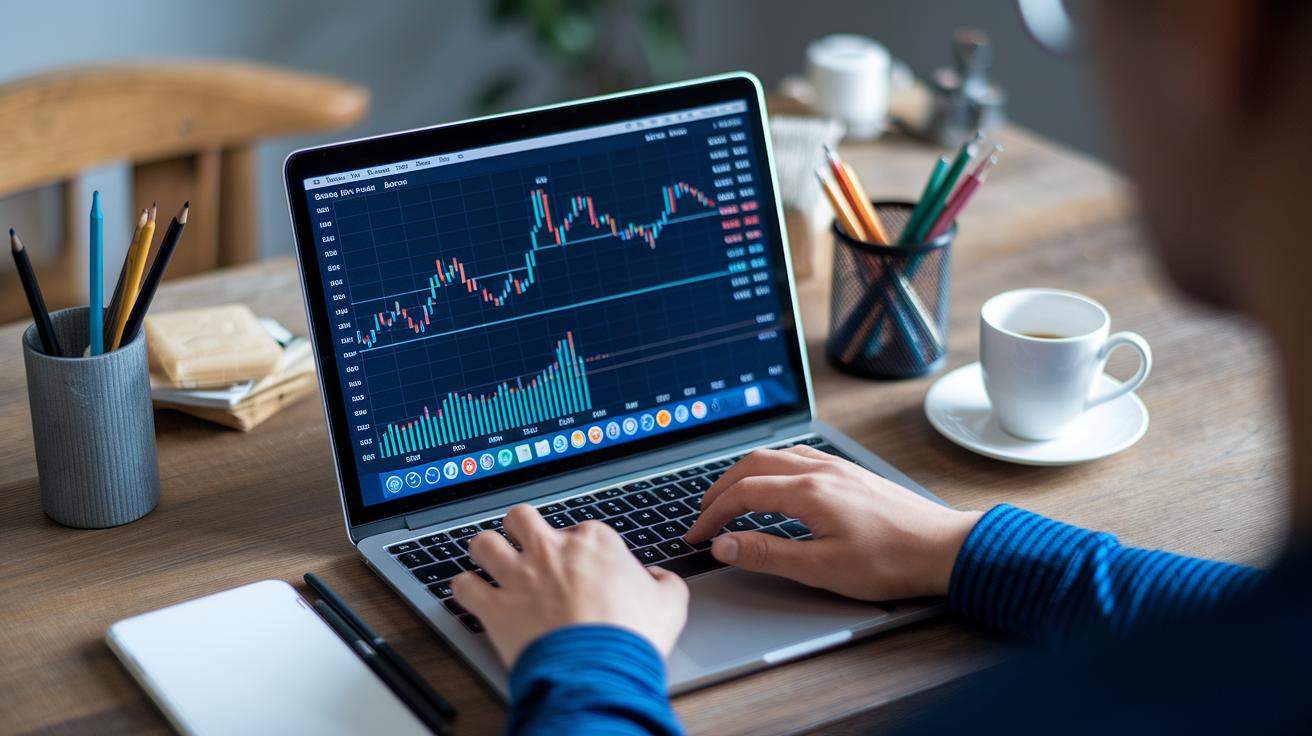
A crypto trading simulator demo lets you try trading digital assets without any financial risk. You begin by signing up for a demo account, which provides you with a pile of virtual cash to experiment with. This platform allows you to explore different markets like spot trading, futures, and margin. It’s a great way to test order types and check performance charts while you learn new strategies without spending real money.
Step 1: Create Your Demo Account
Start by registering on the simulator you like. Just fill in some basic info and verify your details to get your account activated. Once you sign up, you'll get a starting virtual balance, which is like your initial cash stash. Take a few moments to look around the interface and check out help tools. This way, you can feel more comfortable and confident using your digital asset trading emulator.
Step 2: Configure Your Virtual Portfolio
Next, set up your portfolio by choosing the coins you want to trade. Spread out your virtual funds among these assets based on your trading plan. You might also want to create a watchlist of your favorite coins, so you can easily follow the market trends. Think of this step as setting up a mini version of your actual investment portfolio.
Step 3: Execute Simulated Trades
Now it's time to get hands-on. Place your trades using limit or market orders in the demo environment. Try setting up stop-loss and take-profit levels, and even experiment with different levels of leverage to see how these decisions can affect your positions. This part of the exercise shows you how fast market movements can impact your orders and overall trade outcomes.
Step 4: Analyze Your Performance
Finally, take a look at your trade history and explore the profit and loss charts the platform provides. Review your equity curves and other metrics to see how you’ve been trading. This analysis is key, it helps you pinpoint what’s working and what you might want to change before you move on to live trading. Enjoy the journey of learning, and remember, each simulated trade teaches you something new about the market.
Testing Crypto Trading Strategies with a Simulator
Using a crypto trading simulator is a fun and safe way to try out trading strategies with pretend money. You don’t risk any real cash, so you can focus on sharpening your risk management and trading tactics. It’s a chance to fine-tune things like your stop-loss and take-profit levels while watching how past market ups and downs might affect your moves. Imagine it as a playful sandbox where every trade is a lesson learned.
This risk-free setup lets you experiment with different strategies before diving into live markets. It’s like rehearsing for a big performance, you test a move to see if it works well before going live. And the best part? You build real confidence in your trading skills, understanding each decision bit by bit.
Simulated trading also makes it easy to backtest a variety of approaches, whether you’re into quick scalping or longer swing plays. You can try out methods you’ve read about in crypto trading strategies or use crypto technical analysis tools to refine your plans. Some common techniques you might want to test include:
- Scalping in tight timeframes.
- Swing trading through trend reversals.
- Arbitrage across simulated exchanges.
- Trend-following with tools like RSI, MACD, and moving averages.
Advanced Crypto Trading Simulator for Futures & Leveraged Practice

If you're an experienced trader eager to try out bold strategies, an advanced crypto trading simulator might be just what you need. These simulators let you dive into futures and leveraged trading without the risk of losing real money. For instance, platforms like Bybit and BitMEX offer test environments where you can simulate high-leverage trading, sometimes even up to 100x. Basically, you get to see how big leverage can affect your trades in a safe setting where every move is recorded, but real cash isn’t at risk.
KuCoin even goes further by creating a simulation that mirrors the ups and downs of the actual market for margin trading. This means you can adjust your leverage levels based on current conditions, feeling the true pulse of market volatility. By playing around with these features, you learn how to manage risks and understand the small details of leveraged trading. It’s a clever way to polish your strategies before you start trading with real money.
Final Words
In the action, this article broke down how a crypto trading simulator offers a safe space to test digital asset strategies without risking loss. It covered key features like realistic order entry and live data, and walked through setting up and practicing trades without the emotions that come with real money moves. The guide also looked at advanced techniques like futures and margin simulations. Embracing these practical insights can boost your confidence and set you on a path to smarter, more controlled trading.
FAQ
What is a free crypto trading simulator?
The free crypto trading simulator offers a risk-free digital space where you use virtual funds to mimic market conditions, practice order types, and enhance your trading skills without risking real money.
How can crypto trading simulators help me practice crypto trading?
The crypto trading simulators help you practice crypto trading by providing a paper trading experience that minimizes emotional pressures and allows you to test strategies and risk management using simulated funds.
Are there crypto trading simulator apps like the one offered by Binance or discussed on Reddit?
The crypto trading simulator apps like those available on Binance or mentioned on Reddit replicate live market conditions with tools such as limit orders and charting, letting you refine tactics without financial risk.
Does a cryptocurrency simulator allow testing of advanced trading strategies?
The cryptocurrency simulator allows testing of advanced trading strategies by letting you set stop-loss and take-profit orders and practice margin trading, which supports learning technical analysis and risk management techniques.
Can I make $500 or $100 a day using a crypto trading simulator?
The crypto trading simulator does not enable real income, so while you may simulate profits, its purpose is to build skills and test strategies rather than generate actual earnings like $500 or $100 daily.